

How Long Do Hard Drives Last? HDD vs SSD Lifespan Compared
Find out how mechanical and solid state drives stack up, what affects their longevity, and how to protect your data.
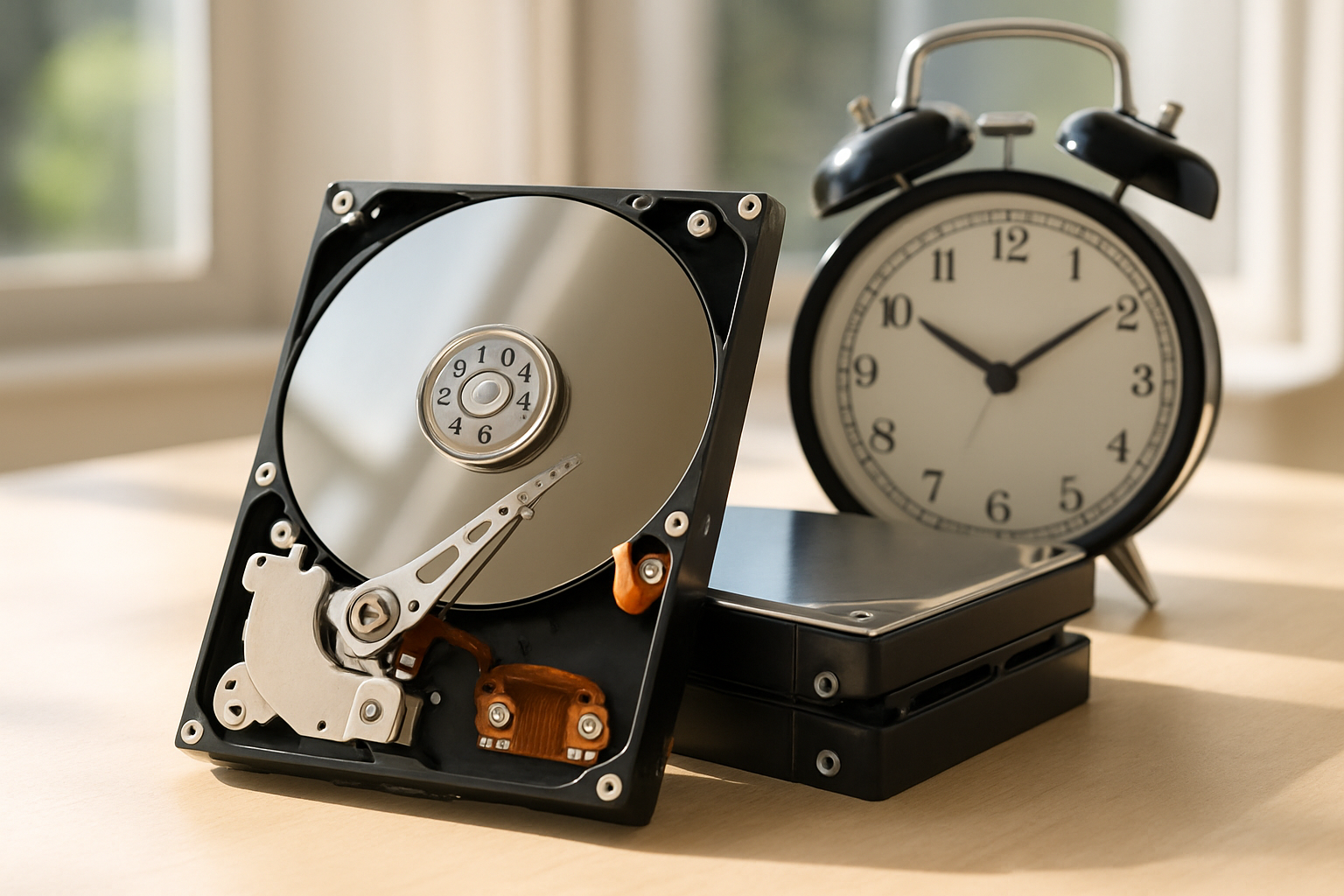
Understanding hard drive lifespan is crucial for anyone storing important files, whether you're a home user, creative professional, or IT manager. The decision between mechanical hard drives (HDDs) and solid state drives (SSDs) directly impacts how long your data stays safe—and how often you'll need to replace your storage.
While SSDs generally outlast HDDs, factors like usage patterns, environmental factors, and the specific brand (such as Seagate, Western Digital, or HGST) all play a role. This guide breaks down the key differences and helps you choose the right drive for your needs, so you can maximize reliability and minimize the risk of data loss.
Choose mechanical hard drives if you need affordable storage for 3 to 5 years of typical use.
Choose solid state drives if you want 5 to 10 years of lifespan and better resistance to environmental factors.
Choose proactive monitoring and backup if you want to prevent data loss from unexpected drive failures.
Quick Comparison: Mechanical Hard Drives vs Solid State Drives
| Feature | Mechanical Hard Drive (HDD) | Solid State Drive (SSD) |
| Typical Lifespan | 3–5 years | 5–10 years |
| Failure Rate | Moderate | Low |
| Data Retention | Good | Excellent |
| Resistance to Shock | Low | High |
| Performance Over Time | Declines | Stable |
| Best For | Bulk storage, budget builds | Speed, reliability, laptops |
| Environmental Sensitivity | High | Low |
| Wear Mechanism | Mechanical wear | Flash cell wear |
| SMART Monitoring | Supported | Supported |
| Warranty (avg.) | 2–3 years | 3–5 years |
What Factors Influence Hard Drive Lifespan?
Mechanical vs. Solid State Drives
The hard drive lifespan of mechanical hard drives (HDDs) and solid state drives (SSDs) differs due to their construction. HDDs rely on spinning disks and moving parts, making them more prone to drive wear and tear. SSDs, on the other hand, use flash memory with no moving parts, resulting in longer durability and better resistance to physical shocks.
Impact of Usage Patterns
How you use your drive—your usage patterns—directly affects longevity. Drives used for constant read/write tasks (like video editing or server workloads) will experience faster degradation. Occasional, light use typically extends lifespan, especially for SSDs.
Environmental Conditions
Environmental factors such as high temperatures, humidity, dust, and vibration can shorten a drive’s life. HDDs from brands like Seagate and Western Digital are especially sensitive to heat and physical shocks, while SSDs are more resilient but still vulnerable to extreme conditions.
Verdict: Both drive type and environment play a major role—choose SSDs for harsher settings, and always control temperature and handling for maximum lifespan.
How Long Do Mechanical Hard Drives Typically Last?
Average Lifespan Statistics
The mechanical hard drives from leading brands like Seagate, Western Digital, and HGST generally last between 3 to 5 years under normal conditions. Industry studies often cite a drive failure rate that increases sharply after the third year. The mean time between failures (MTBF) for HDDs is typically rated at 1 to 1.5 million hours, but real-world results vary based on usage and environment.
Common Causes of Failure
Most HDD failures result from mechanical breakdowns—worn bearings, head crashes, or platter damage. Power surges, overheating, and physical shocks are frequent culprits. Even with careful use, all HDDs will eventually fail due to their moving parts.
Verdict: Expect to replace HDDs every 3–5 years for critical data, and always keep backups to avoid sudden loss.
What Is the Expected Lifespan of Solid State Drives?
Differences in Wear Mechanisms
Solid state drives (SSDs) have no moving parts, so their hard drive lifespan is governed by flash memory cell endurance rather than mechanical failure. Instead of spinning disks, SSDs wear out as individual memory cells reach their write cycle limits—a process called drive wear and tear.
Data Retention and Endurance
Modern SSDs from brands like Western Digital and Seagate typically last 5 to 10 years, depending on workload and drive size. Data retention is generally excellent, with SSDs able to hold data for years when powered off. Endurance ratings (TBW—terabytes written) give a clearer picture of lifespan for heavy users.
Verdict: SSDs are the better choice for long-term reliability, especially in laptops or environments prone to bumps and movement.
How Can You Monitor Hard Drive Health?
Using SMART Technology
SMART monitoring (Self-Monitoring, Analysis and Reporting Technology) is built into most modern HDDs and SSDs. It tracks drive health indicators like error rates, temperature, and reallocated sectors, alerting you to potential problems before failure occurs.
Signs of Imminent Drive Failure
Common warning signs include frequent crashes, slow file access, strange noises (for HDDs), or SMART warnings in your system utilities. Regularly checking SMART data helps you spot issues early and schedule drive replacement before disaster strikes.
Verdict: Proactive SMART monitoring is essential for both HDDs and SSDs—set up alerts and check health status monthly.
When Should You Replace Your Hard Drive?
Interpreting Warning Signs
Don’t wait for total failure—replace your drive at the first sign of trouble, such as SMART errors, persistent slowdowns, or unexplained file corruption. These drive health indicators often precede catastrophic loss.
Considering Warranty and Manufacturer Recommendations
Check your drive warranty period—most Seagate, Western Digital, and HGST drives are covered for 2–5 years. Manufacturers recommend replacing drives at or before the end of warranty, especially for mission-critical data. Following these guidelines minimizes risk and ensures you’re not caught off guard.
Verdict: Plan to replace drives proactively based on age, warranty, and warning signs—not just after failure.
How to Protect Your Data from Hard Drive Failures?
Best Backup Practices
The best defense is a strong backup strategy. Use the 3-2-1 rule: three copies of your data, on two different media, with one offsite. Cloud backups and external drives are simple, effective options.
Using Redundancy and RAID Systems
For extra protection, enterprise users often rely on redundancy with RAID arrays. RAID 1 (mirroring) and RAID 5/6 (parity) can keep your system running even if a drive fails. However, RAID is not a substitute for backups—it simply buys you time to replace a failed drive.
Verdict: Combine regular backups with RAID or redundancy for the best protection against drive failure rate and data loss.
Mechanical hard drives are best for budget-conscious users needing large storage for 3–5 years. Solid state drives offer 5–10 years of reliable performance and are ideal for laptops, professionals, and anyone prioritizing speed and durability. For most users, SSDs are the overall winner due to their superior longevity and resilience. No matter your choice, regular SMART monitoring and robust backup strategies are essential—start protecting your data today.
Which lasts longer, HDD or SSD?
SSDs usually last longer than HDDs, with typical lifespans of 5–10 years compared to 3–5 years for mechanical drives.
Is it worth paying extra for an SSD over an HDD?
If you value speed, reliability, and longer lifespan, an SSD is worth the extra cost—especially for laptops or important data.
How can I tell if my hard drive is about to fail?
Watch for SMART warnings, slow performance, strange noises (HDDs), or frequent crashes. These are signs of imminent failure.
Do environmental factors really affect hard drive lifespan?
Yes. High temperatures, humidity, and physical shocks can significantly shorten both HDD and SSD lifespans.
What is the best way to back up my data?
Use the 3-2-1 backup rule: keep three copies, on two types of media, with one copy offsite or in the cloud.
How often should I replace my hard drive?
Replace HDDs every 3–5 years and SSDs every 5–10 years, or sooner if you notice warning signs or reach the end of warranty.
Are Seagate, Western Digital, and HGST drives reliable?
All three brands offer reliable drives, but individual drive models and usage patterns have a bigger impact on lifespan than brand alone.