

How Long Do Solid State Drives Last? Lifespan, Endurance & Tips
Explore the factors that determine SSD lifespan, endurance ratings, and how to maximize your drive’s longevity
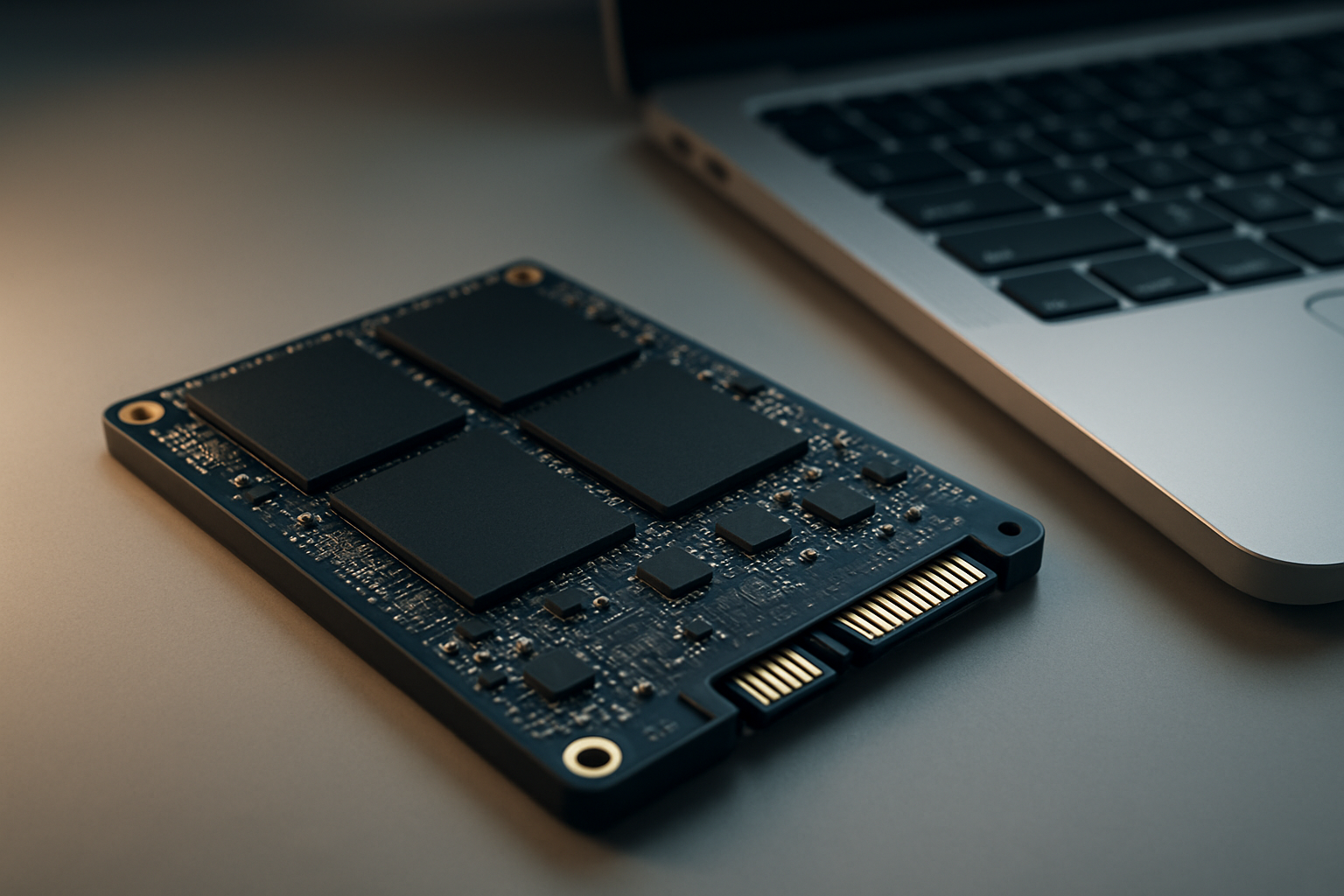
When you invest in a new SSD, it’s natural to wonder about solid state drive lifespan. SSDs have become the go-to storage choice for speed and reliability, but they don’t last forever. Their endurance depends on several factors, including the type of NAND flash memory, how much data you write, and the technology inside. In this guide, you’ll learn what affects SSD longevity, how to spot early warning signs, and practical tips to keep your drive running smoothly for years to come.
Most consumer SSDs last 5–7 years under typical use, but endurance depends on NAND type and write volume.
SSD lifespan is measured in terabytes written (TBW), with modern drives handling hundreds of terabytes before failure.
Wear leveling and advanced firmware help extend SSD reliability by evenly distributing write and erase cycles.
What Determines the Lifespan of a Solid State Drive?
Understanding NAND Flash Memory Types
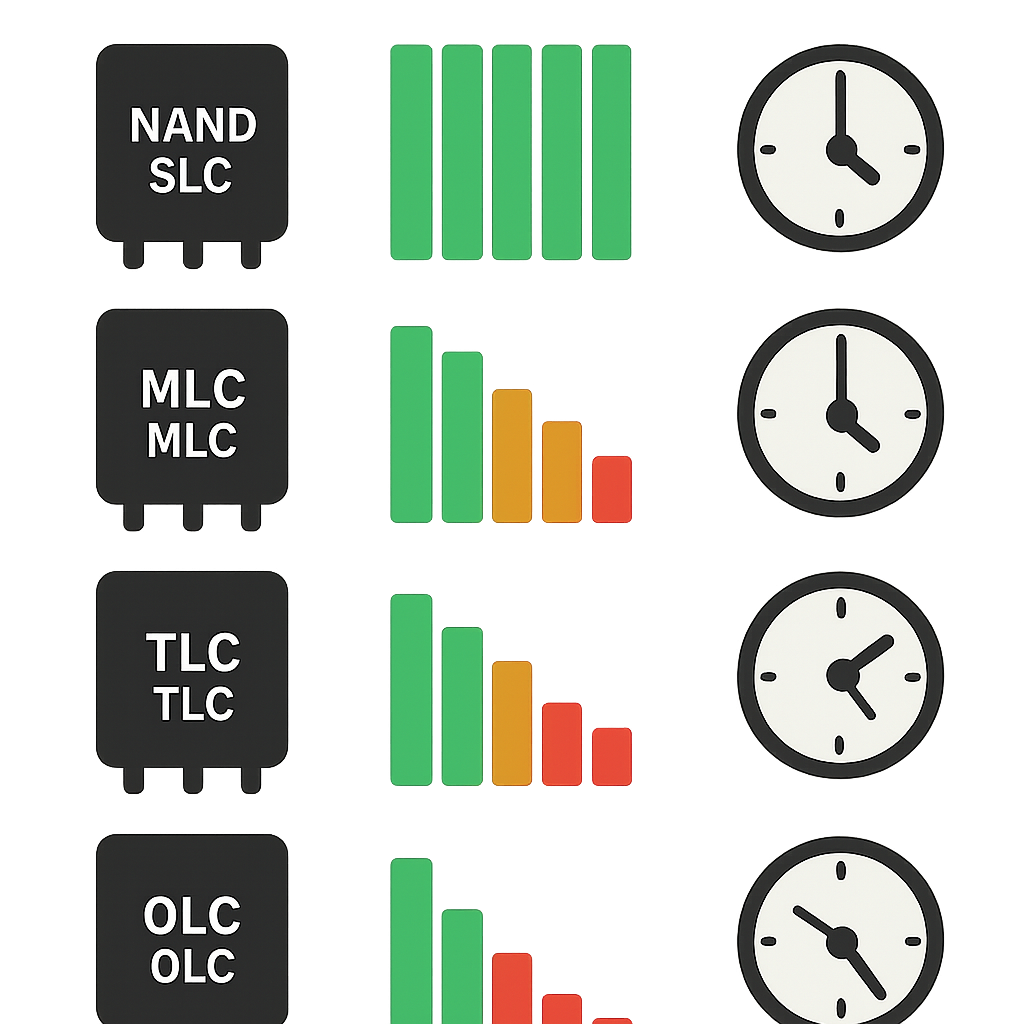
The NAND flash memory inside an SSD is a key factor in its longevity. There are several types, including SLC NAND, MLC NAND, TLC NAND, and QLC NAND, each with different endurance characteristics. SLC (single-level cell) offers the highest durability, while QLC (quad-level cell) is more affordable but wears out faster.
Brands like Samsung, Crucial, Western Digital, and Intel use different NAND types in their SSDs. Choosing a drive with higher-quality NAND can mean a longer solid state drive lifespan, especially if you write a lot of data regularly.
The Role of Write Cycles and TBW
Write cycles refer to how many times a memory cell can be written and erased before it wears out. SSD endurance is often measured by TBW (terabytes written), which tells you how much data you can write to the drive before failure becomes likely.
For example, a consumer SSD might have a TBW rating of 150–600 TB, while enterprise models can exceed 1,000 TB. Understanding TBW helps you estimate how long your SSD will last based on your usage patterns.
How Wear Leveling Extends SSD Life
Wear leveling is a technology built into SSDs that spreads write and erase cycles across all memory cells. This prevents certain cells from wearing out faster than others, which is crucial for maintaining SSD endurance.
Advanced wear leveling algorithms, combined with smart firmware from brands like Samsung and Intel, can significantly extend your SSD’s usable life. This technology is one of the main reasons SSDs are so reliable for both home and business use.
How Long Do Solid State Drives Typically Last?
Average Lifespan for Consumer SSDs
The typical solid state drive lifespan for consumer models is around 5 to 7 years under normal use. This estimate assumes average daily writing and reading, such as what you’d see in a home or office environment.
Leading brands like Crucial, Samsung, and Western Digital design their drives to last well beyond their warranty periods, often supporting hundreds of terabytes written before failure.
Enterprise vs Consumer SSD Lifespan
Enterprise SSDs are built for higher endurance and longer life than consumer drives. They use advanced NAND types and have higher TBW ratings, making them suitable for servers and data centers where write volumes are much greater.
While consumer SSDs focus on affordability and general use, enterprise models from Intel or Samsung are engineered for continuous, heavy workloads, often lasting several years longer under stress.
Impact of Usage Patterns on SSD Durability
Your SSD usage patterns play a major role in how long your drive will last. Writing large amounts of data daily can wear out the NAND flash faster, while mostly reading data puts less stress on the drive.
For example, using an SSD for video editing or as a scratch disk will reduce its lifespan compared to using it mainly for booting your operating system. Monitoring your usage can help you predict when it might be time for a replacement.
Signs Your SSD Might Be Failing
Common Symptoms of SSD Failure
Recognizing SSD failure signs early can save your data. Common symptoms include frequent crashes, file corruption, slow performance, or the drive disappearing from your system. Sometimes, you might see read-only errors or experience boot failures.
If you notice these issues, it’s a warning that your SSD may be nearing the end of its life. Acting quickly can help you avoid permanent data loss.
How to Monitor SSD Health
Most SSDs come with tools to check their health, such as Samsung Magician, Crucial Storage Executive, or Western Digital Dashboard. These utilities display SMART data, TBW used, and other SSD reliability metrics.
Regularly monitoring your SSD’s health lets you catch problems before they become critical. Look for sudden drops in available capacity, rising bad block counts, or warnings about drive health.
What to Do When Your SSD Shows Signs of Wear
If your SSD starts showing signs of wear, back up your important data immediately. This is the best way to protect yourself from unexpected failure. Check your SSD warranty period to see if you’re eligible for a replacement.
Contact the manufacturer if you’re within warranty, or consider upgrading to a new drive from a reliable brand like Intel or Samsung. Don’t ignore warning signs—they’re your cue to act.
How to Maximize the Lifespan of Your SSD
Best Practices for SSD Usage
To extend your solid state drive lifespan, avoid filling your SSD to maximum capacity and keep at least 10–20% free space. This gives the drive room for wear leveling and helps maintain performance over time.
Regularly back up your data and avoid unnecessary writes, such as frequent large file transfers or excessive downloading, to reduce wear on the NAND flash memory.
Firmware Updates and Their Importance
Keeping your SSD’s firmware up to date is crucial for SSD reliability. Manufacturers like Samsung, Crucial, and Western Digital release updates to fix bugs, improve performance, and enhance endurance.
Check for firmware updates every few months using the manufacturer’s utility. Updated firmware can resolve compatibility issues and sometimes extend the drive’s life.
Avoiding Excessive Write Operations
Minimizing write cycles is key to maximizing SSD endurance. Avoid using your SSD for tasks that require constant writing, like running virtual memory or heavy-duty logging, unless the drive is designed for it.
Consider moving high-write activities to a secondary drive or using RAM disks for temporary files. This approach will help prolong your SSD’s usable life and keep it running smoothly.
Understanding SSD Warranties and Reliability Metrics
What SSD Warranties Cover
The SSD warranty period typically ranges from 3 to 5 years for consumer drives, and up to 7 years for enterprise models. Warranties cover defects in materials and workmanship, but not normal wear from reaching TBW limits.
Brands like Samsung and Intel are known for honoring warranties, but always check the fine print to understand what’s included and how to claim support if needed.
MTBF and Other Reliability Indicators
MTBF (mean time between failures) is a common metric for SSD reliability. It estimates the average operating time before a failure is expected, often quoted in millions of hours.
While MTBF is useful for comparing models, real-world lifespan depends more on your usage patterns and the drive’s TBW rating. Look at both metrics when choosing a drive.
Choosing an SSD Based on Endurance Ratings
When shopping for a new SSD, pay attention to SSD endurance ratings like TBW and DWPD (drive writes per day). Drives with higher ratings are built for heavier workloads and longer life.
Compare endurance specs from brands like Crucial, Western Digital, and Samsung to find a model that matches your needs. Selecting the right SSD will ensure you get the best value and reliability for your investment.
Understanding solid state drive lifespan helps you make smarter decisions about storage. By choosing the right SSD, monitoring its health, and following best practices, you can enjoy years of reliable performance. Don’t wait for failure—back up your data regularly and stay proactive about updates. With a little care, your SSD from brands like Samsung, Crucial, or Western Digital will serve you well for years to come.
How long do SSDs last compared to HDDs?
SSDs typically last 5–7 years under normal use, while HDDs can last a similar amount of time. However, SSDs are less prone to mechanical failure and are more reliable for frequent use.
What happens when an SSD reaches its TBW limit?
When an SSD reaches its TBW limit, it may become read-only or start to fail. Data should be backed up before this point to avoid loss.
Can I use an SSD after it shows warning signs?
You can use an SSD after warning signs appear, but it’s risky. Back up your data and replace the drive as soon as possible to prevent data loss.
Does the type of NAND flash affect SSD lifespan?
Yes, SLC NAND lasts the longest, followed by MLC, TLC, and QLC. Drives with SLC or MLC NAND are more durable but often cost more.
How can I check my SSD’s health?
Use manufacturer tools like Samsung Magician or Crucial Storage Executive to view SMART data and health status. These tools show TBW, bad blocks, and other reliability indicators.
Is it safe to use an SSD for long-term storage?
SSDs are reliable for everyday use, but they are not ideal for long-term cold storage. Data retention can degrade if the drive is unpowered for years.
What voids an SSD warranty?
Physical damage, exceeding TBW limits, or using the SSD outside recommended environments can void the warranty. Always check the terms before making a claim.